
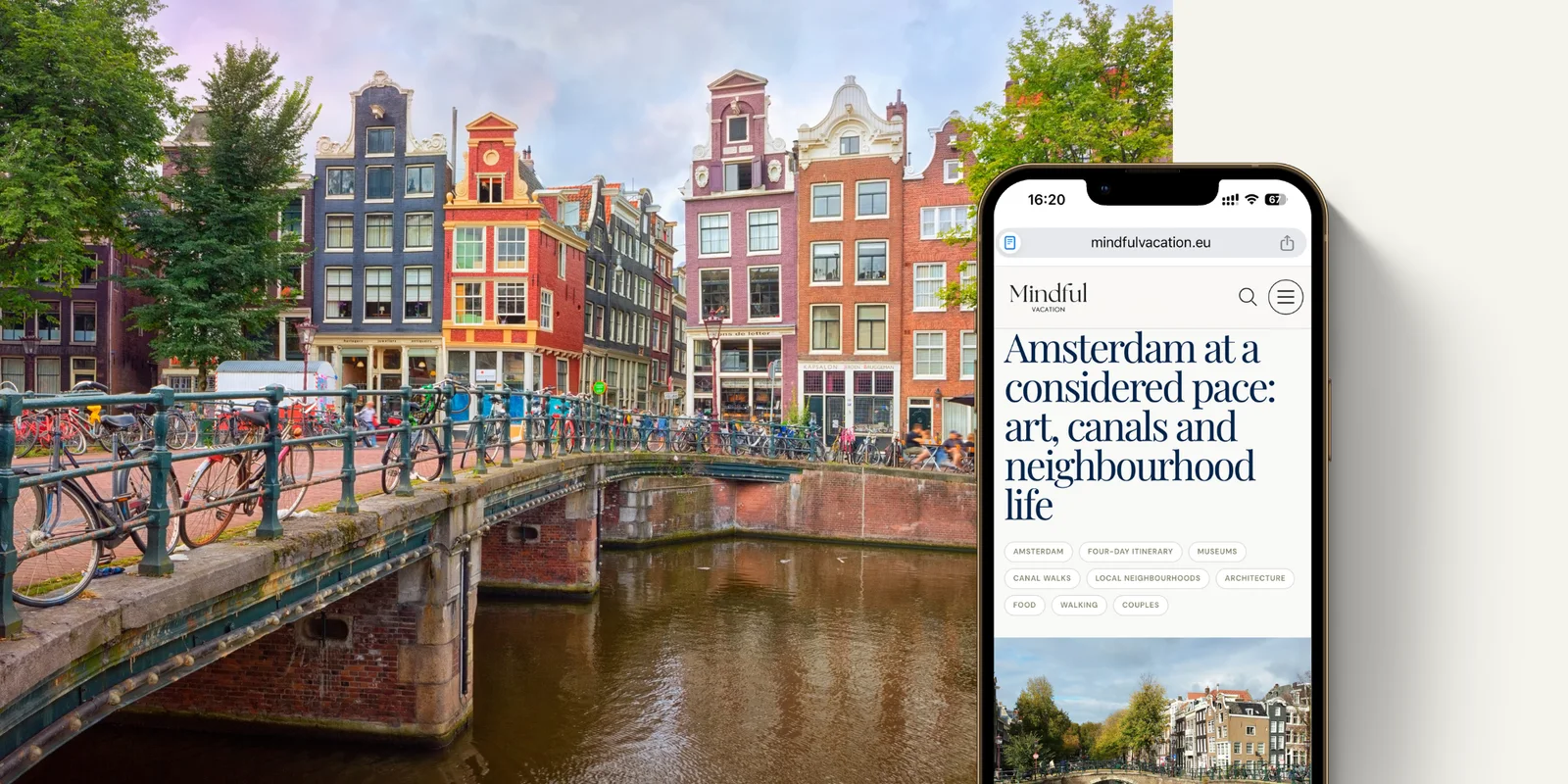
Trip planning can become administrative work surprisingly quickly. A few saved destinations can turn into flight searches, restaurant bookmarks and a spreadsheet that already feels like a task in itself. Mindful Vacation’s free AI travel planner helps with that first stage: describe the trip you have in mind, and it creates a clear itinerary to build on.
It is not a booking agency or a fixed travel package. Think of it as a first draft, shaped around your destination, pace, interests, practical needs and budget. You can adjust the suggestions, use them to focus your research, and save the result as a travel document. Opening hours, transport schedules, entry requirements, availability and prices can change, so confirm important details with official providers before you travel.
What is Mindful Vacation’s AI travel planner?
Mindful Vacation’s AI travel planner is a free online itinerary builder. It creates a day-by-day outline from the information you provide, helping turn a broad idea—such as a week in Japan, a family escape to Italy, or a long weekend in a European city—into a more considered plan.
Depending on your inputs, it can suggest activities, organise them into a daily rhythm, and include packing ideas and estimated budget information. The useful part is not having every decision made for you. It is being able to see what the trip might involve before you start booking.
How to use the planner
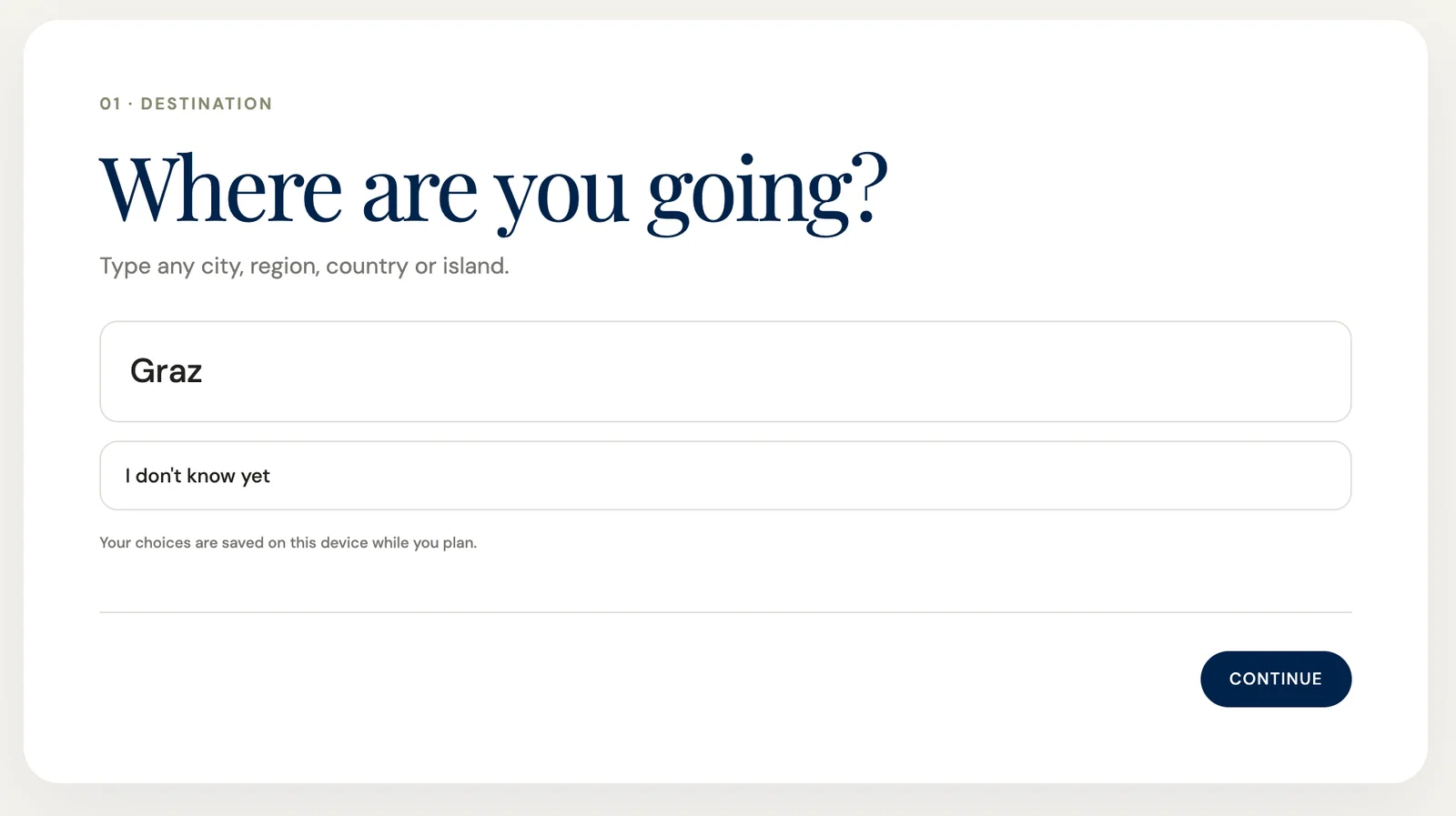
Start with the basic shape of the trip: where you want to go, how long you want to stay, who is travelling and what kind of experience you want. A little more context usually produces a more useful starting point.
- Choose a destination, or describe the kind of destination you are considering.
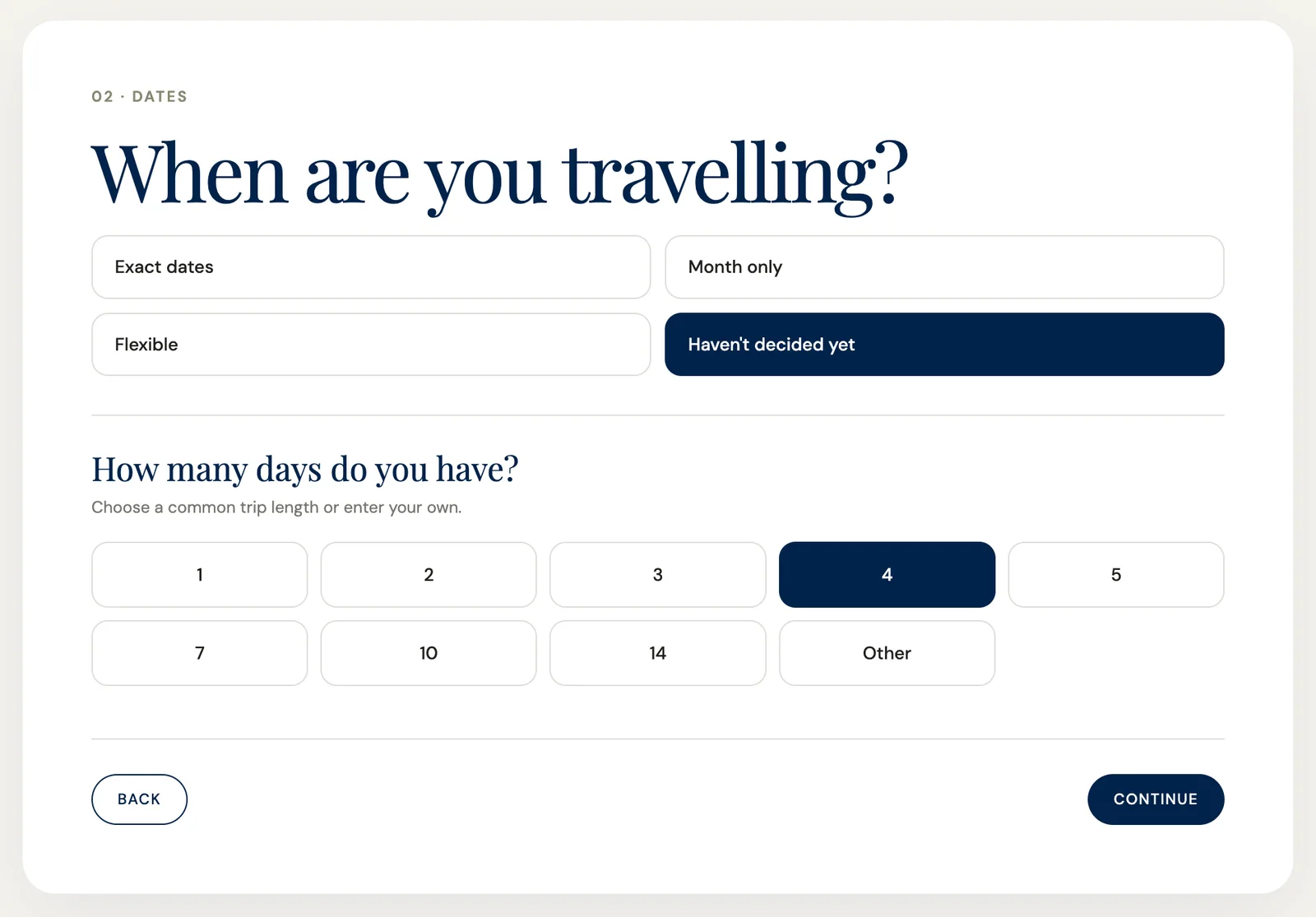
- Add your approximate travel dates or trip length.
- Mention the number of travellers and any important preferences.
- Share interests such as food, art, nature, beaches, history, wellness or family activities.
- Include your preferred pace and budget level where possible.
- Generate the itinerary and review the suggested days.
The result gives you something concrete to question. You may see that four cities are too many for a seven-day trip, that one neighbourhood suits your interests better than another, or that the route needs more time for rest and transfers.
What to include in your prompt
You do not need to write a perfect travel brief. Explain what matters to you in ordinary language, including anything that could affect the pace or practicality of the trip.
Instead of writing “Plan a trip to Portugal,” try: “Create a relaxed eight-day Portugal itinerary for two adults in September. We enjoy local food, coastal walks, small towns and design, but we do not want to change hotels every night. We prefer mid-range accommodation, public transport where practical, and at least two unplanned afternoons.”
- Your approximate dates, if you have them.
- Whether you are travelling solo, as a couple, with friends or with children.
- Your ideal pace: slow, balanced or full of activities.
- Mobility, dietary, accessibility or sleep considerations.
- Your accommodation preferences and comfort level.
- The experiences you most want to prioritise.
- Anything you would rather avoid, such as long drives, nightlife, crowds or early starts.
What the itinerary can help you decide
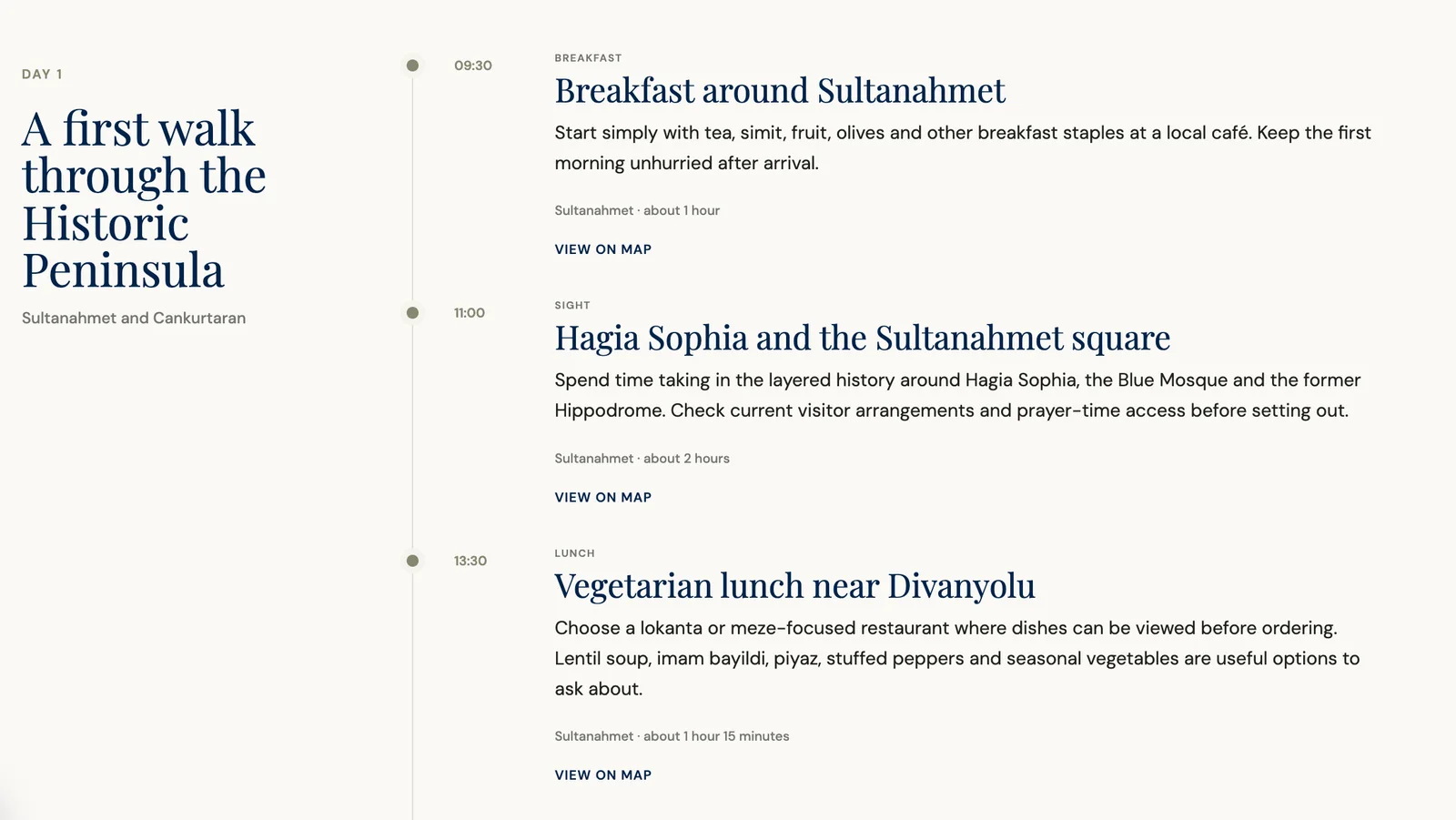
The main result is a day-by-day plan that gives the trip shape. Depending on your inputs, it may suggest a morning activity, somewhere to explore in the afternoon, dining ideas and practical notes about moving between areas. It can also help balance major sights with slower experiences.
This is particularly useful when you are choosing between two destinations. Create separate outlines and compare the rhythm, logistics, estimated cost and types of experience each trip might offer. A proposed itinerary can reveal more than a collection of photographs or isolated lists of things to do.
- A structured, day-by-day itinerary.
- Activity and experience suggestions shaped around your interests.
- Packing ideas connected to the destination and trip style.
- Budget estimates to help frame the overall cost.
- A clearer sense of route, timing and daily pace.
- A reusable travel plan that can be saved and revisited.
Why start with a planner instead of search?
Search works well when you already know what you want. It is less helpful when your ideas are still scattered. An AI planner provides an initial organising layer, bringing destinations, activities, pacing and practical considerations into one outline.
That outline makes trade-offs easier to see. You can check whether your wish list fits the number of days available, whether the route is unnecessarily complicated, and where the trip needs more breathing room. It also gives you a working version to discuss before you choose hotels or buy tickets.
Build in space from the beginning
A useful itinerary should leave room for meals, transfers, queues, weather changes, jet lag and the simple pleasure of staying somewhere a little longer. Ask the planner for a realistic pace, flexible alternatives or one slower day.
This matters especially on family trips, city breaks that cover several neighbourhoods and journeys involving long-distance transport. An itinerary with fewer scheduled stops may look less ambitious on paper, but it is more likely to leave you energy for a long lunch, an unexpected market or a change of plan.
Save, email or export the plan
Once the itinerary is ready, Mindful Vacation allows you to send it to your email. That is useful if you began planning on your phone and want to read the trip properly later, or if you want to share the draft with a partner, family member or travel companion.
The planner can also export the itinerary as a PDF. You can print it, share it with relatives or keep it alongside booking confirmations and other travel documents. Save a copy before departure if you would prefer not to rely entirely on a live webpage while travelling.
Return to it when the details are clearer
A trip does not need to be planned in one sitting. You can create an initial itinerary months before booking, save it, and return once your dates are confirmed. Replace broad suggestions with specific reservations and update the route around the details that matter most.
This makes the planner useful at the early inspiration stage. If you have only a destination and a rough idea of when you want to travel, the draft can help you decide whether the trip feels right before you spend money or use valuable holiday time.
A simple way to begin
Choose a trip you are genuinely considering, even if the details are incomplete. Enter the destination, length, travellers, interests and preferred pace. Generate the first version, then ask three questions: Does this feel realistic? Does it sound like us? Where would we want more space?
Save the plan, email it to yourself or export the PDF. Use it as a conversation starter, a research checklist or the first draft of your final itinerary.
The value of the tool is straightforward: it turns a vague travel idea into something you can see, question and improve. That can make the early planning stage less laborious and help you decide whether a trip is worth the time and cost before you commit.